 StoryFetcher
In this article
[Draft written from the app’s behavior. Needs owner review.]
Instagram stories open in place. There is no grid and no second screen.
Open an account
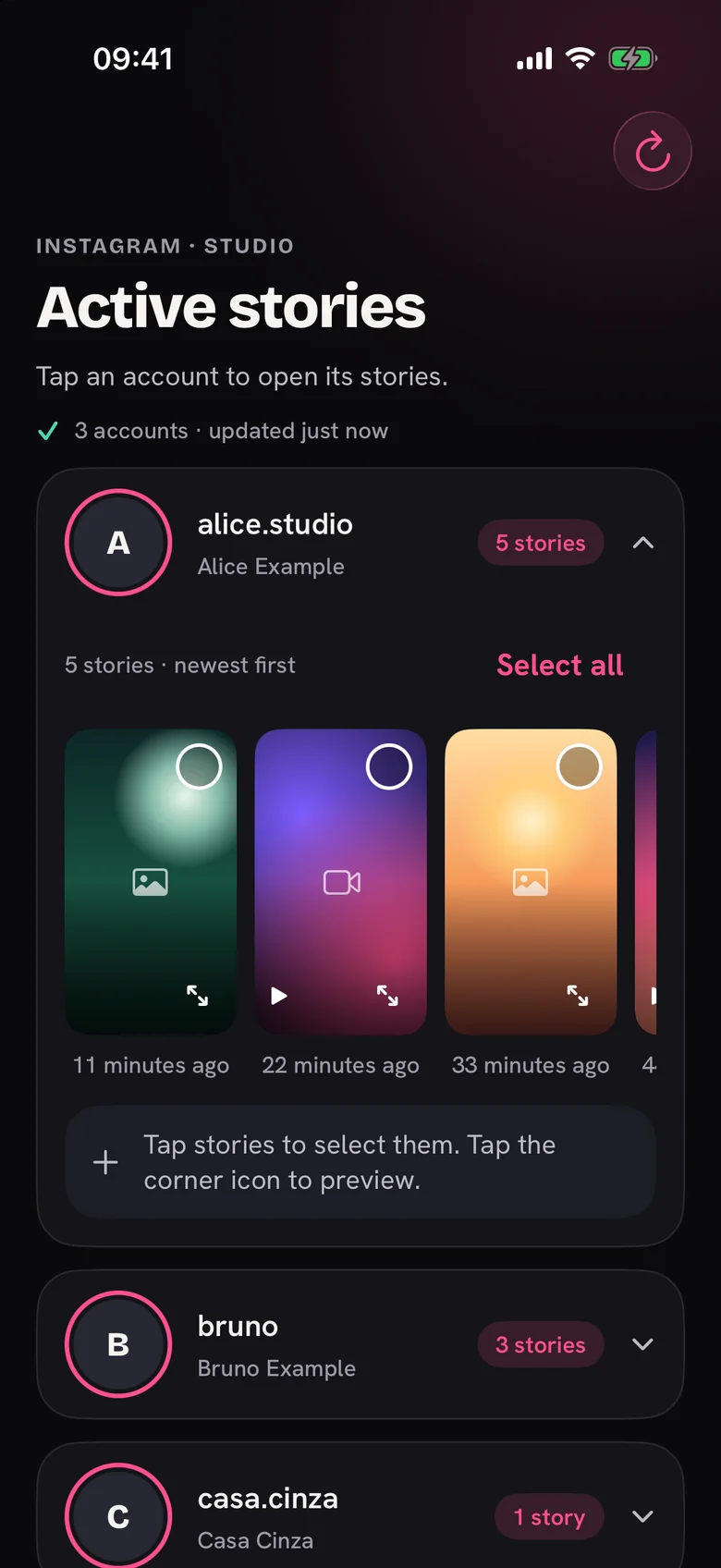
- Open an Instagram account in Downloads. The list Active stories shows the accounts you follow that have stories.
- Tap a name. The row opens and shows its stories in one row, newest first.
- Tap a story to select it. A number shows the order of your picks.
- Tap Select all to pick every story in the row. Tap Clear to start again.
One row at a time
When you open another account, the first row closes and your picks are cleared.
Preview first
Tap the corner icon on a story to see it full screen before you save. Read Preview a story before you save.