 StoryFetcher
Very little. Probably less than your flashlight app. And nothing from your Instagram or Facebook accounts ever reaches us. The full legal text is in the privacy policy; this is the version you can read while your coffee is still hot.
| Screen events | Anonymous. They tell me which screens people open, so I know what to fix first. |
| Purchase records | Sent to the purchase service with a random app identifier. They confirm what you bought. |
| Free saves count | Stays on your device. |
| Sign-ins, links and stories | Never sent anywhere by the app. |
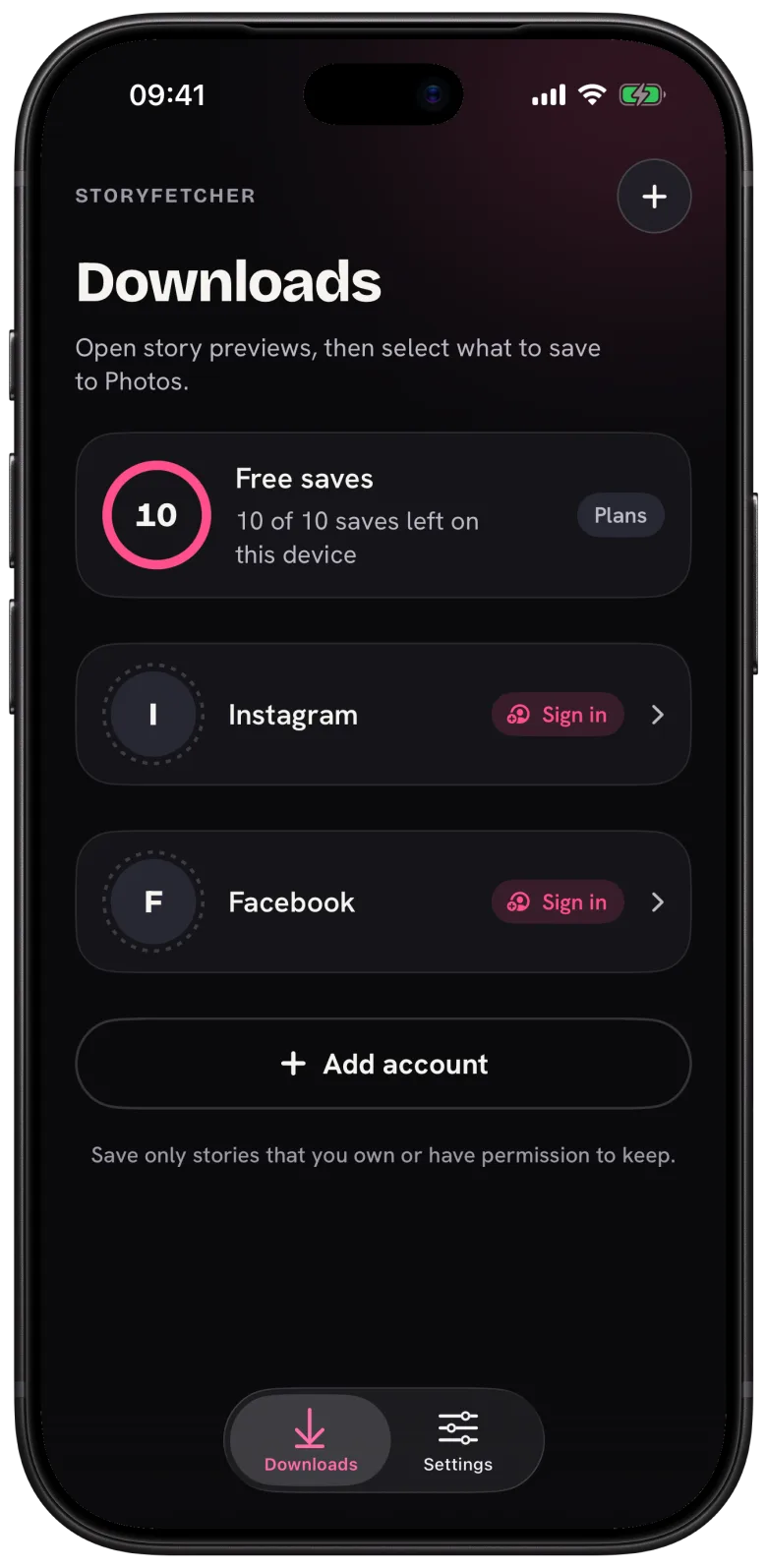
What never leaves your phone: your Instagram or Facebook password, your cookies and session, account names, story links and the stories themselves. Your Photo gallery stays private too. The app can add to it but cannot read it, so even if I wanted to look (I don’t), I couldn’t.
On iPhone and iPad, the app asks for add-only access to your photo library, and that is the whole list. No camera, no microphone, no contacts, no location, no notifications.
Questions people ask
Does StoryFetcher sell my data?
No. We do not sell personal information and we do not share it for advertising.
Can StoryFetcher see the stories I save?
No. Stories go from Instagram or Facebook straight to your device. They never pass through our servers.
Can I turn off analytics?
There is no switch in the app. To object, write to [email protected].
For sign-ins specifically, see Where your sign-in is kept.
Keep reading
Where your Instagram and Facebook sign-in is stored
Why your sign-in stays on your phone, and how to remove it.
What is StoryFetcher? An app to save Instagram and Facebook stories
What the app does, who it is for, and what it does not do.
How to add an Instagram or Facebook account
Choose Instagram or Facebook, give it a label and continue to sign-in.