 StoryFetcher
In this article
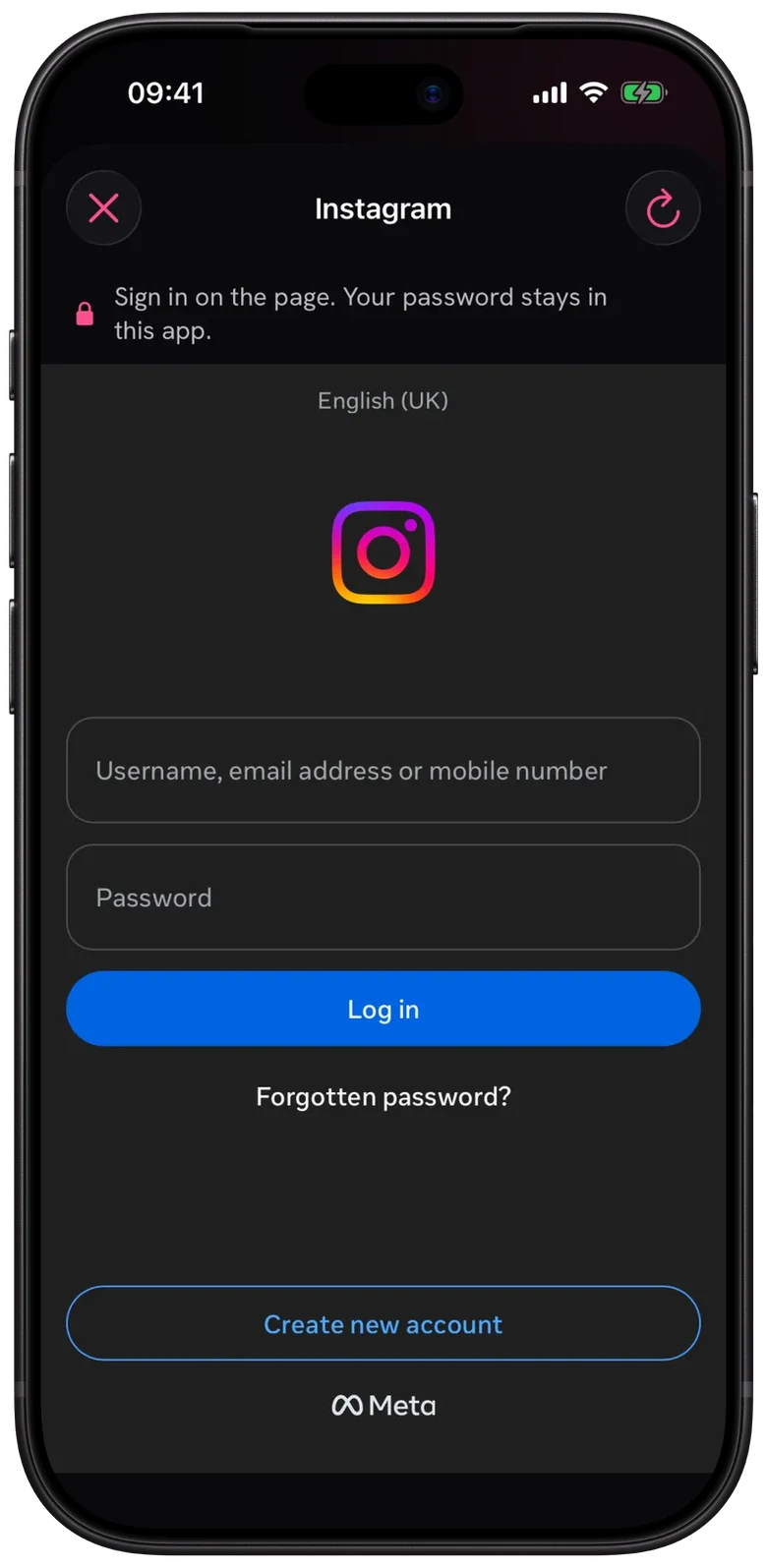
Your sign-in lives on your phone, in the app’s own web storage. Not in your browser. Not on a server. Not on my laptop either, in case you were wondering.
Each account gets its own storage, so they never mix. That storage survives closing the app, which is why you do not have to sign in every morning. StoryFetcher never reads the sign-in of any other browser or app, and yours never reaches our servers, our analytics or the purchase service.
How to remove a sign-in
Open Settings and look under Saved accounts. Each account shows whether it is signed in. Tap Remove next to the one you want gone.
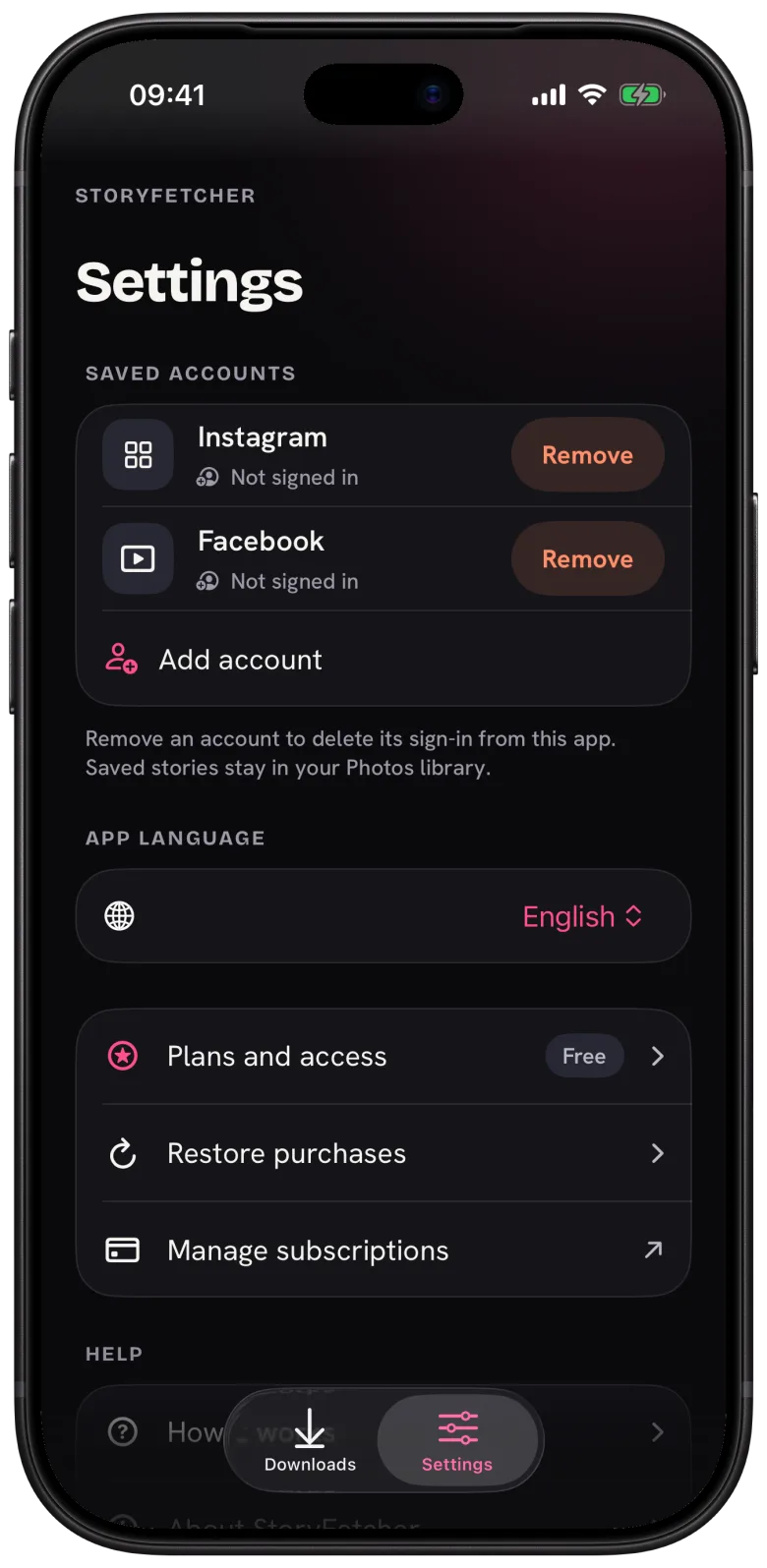
That deletes its sign-in from StoryFetcher. Your saved stories stay in your photo gallery, because they are yours, not the app’s. If a plan ends, your saved sign-ins stay in Settings too. Only the number of active accounts follows the plan.
Questions people ask
Does removing an account delete my Instagram or Facebook account?
No. It only removes the sign-in from StoryFetcher. Your actual account is untouched.
Does deleting the app remove my sign-ins?
Yes. Deleting the app removes its storage, sign-ins included. Your saved stories stay in your photo gallery.
Can other apps on my phone read the sign-in?
No. It sits in storage that only StoryFetcher can use.
What StoryFetcher collects lists everything the app does send.
Keep reading
What data StoryFetcher collects
The few anonymous events the app sends, and what it never sends.
What is StoryFetcher? An app to save Instagram and Facebook stories
What the app does, who it is for, and what it does not do.
How to add an Instagram or Facebook account
Choose Instagram or Facebook, give it a label and continue to sign-in.