 StoryFetcher
In this article
A story lasts 24 hours. Great news for whoever posted that blurry one at 2 a.m. Bad news if it was the best thing your studio account posted all month.
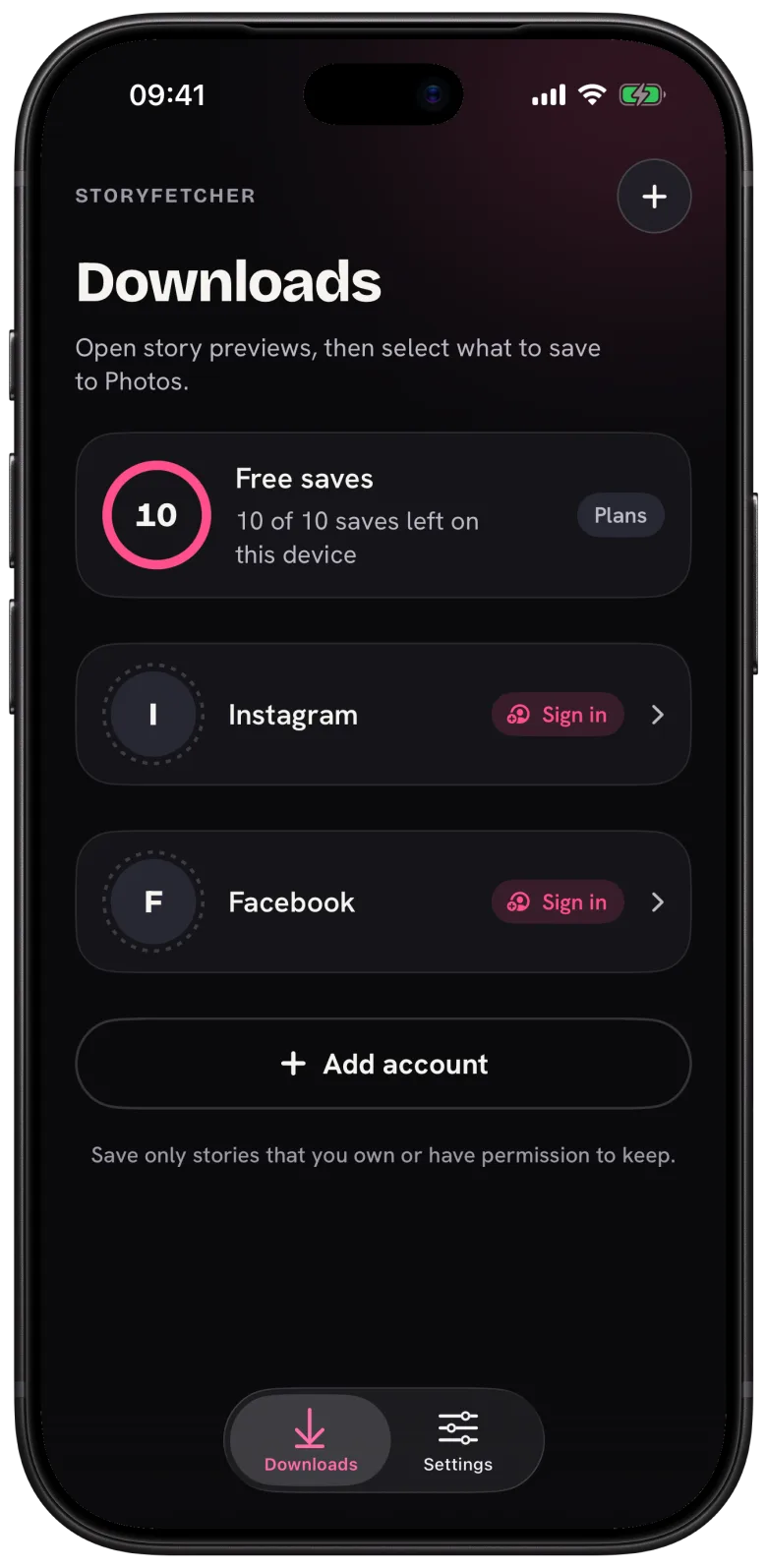
I built StoryFetcher for that second case. If you ever typed how do I save an Instagram story to my phone or can I download a Facebook story into a search bar, this is the app. You sign in to your Instagram or Facebook accounts inside it, you see the active stories, and you send the ones you want to your photo gallery. It runs on iPhone, iPad and Android.
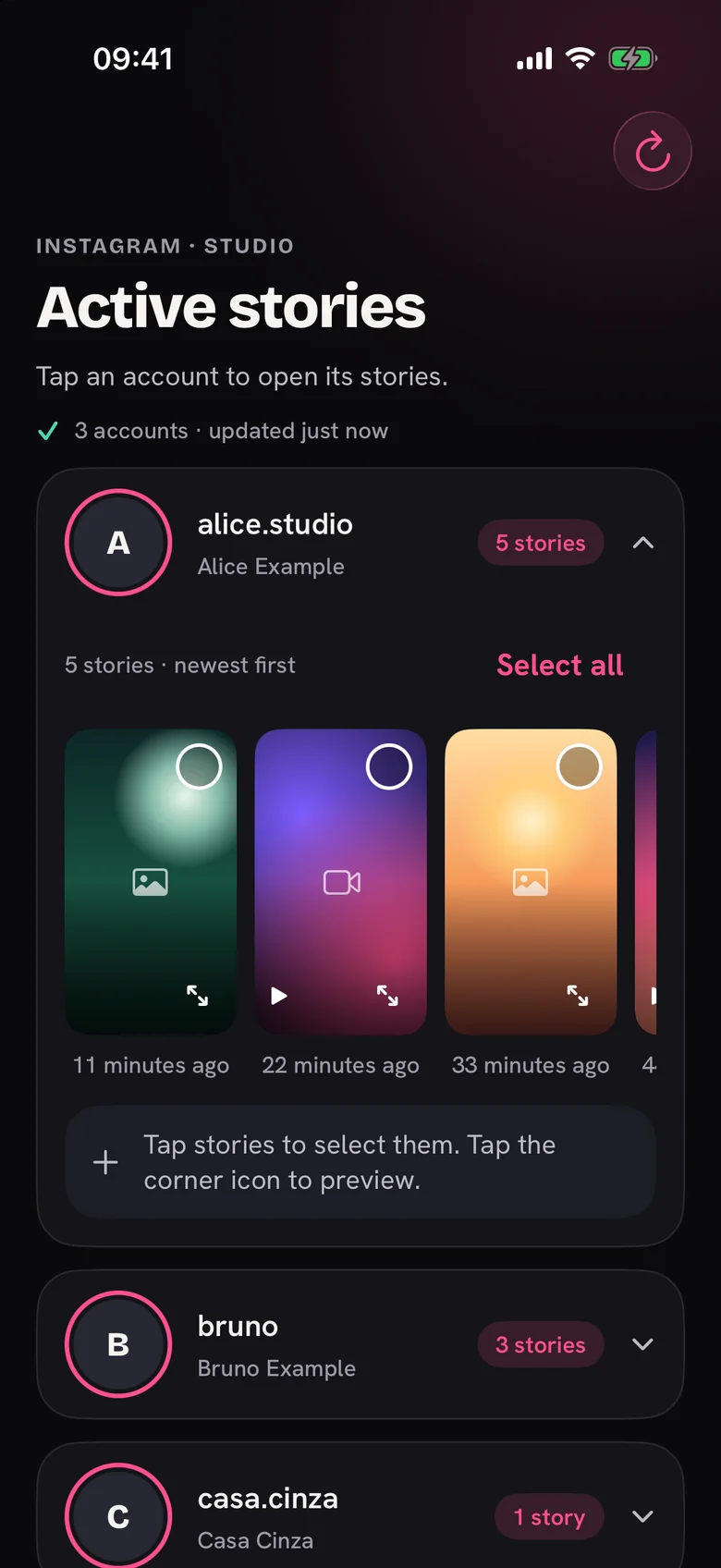
Once you are in, you can keep as many accounts as you like, each with its own sign-in. Open one and its stories show up newest first. Tap the ones you want, or take the whole row, and save. Every story you save gets a small marker, so next week you will know what you already have.
What it does not do
It is not an Instagram or Facebook app, and it is not a way around anyone’s privacy. StoryFetcher shows what your signed-in account can already see. Nothing more. A private account you do not follow stays private, which is exactly how it should be.
It also does not touch posts, reels or highlights. Active stories only. And it never reads your photo library: it can add to your photo gallery, and that is the full extent of its powers.
Save only what is yours to keep
Your own stories, or stories whose owner said yes. If it is not yours and nobody said yes, leave it where it is.
Getting started takes about two minutes: add an account, sign in, then save your first story. Each device gets 10 free saves, and a save only counts when it actually lands in your photo gallery.
Questions people ask
Is StoryFetcher an official Instagram or Facebook app?
No. It is an independent app, with no link to Instagram, Facebook or Meta.
Which phones does it work on?
iPhone, iPad, and Android phones and tablets. The app speaks English, Portuguese (Brazil) and Spanish (Latin America).
Can I save stories from a private account?
Only if your account already sees them, which means you follow that account. And you still need the owner’s OK to keep them.
Can I save posts, reels or highlights?
No. Only active stories, the ones still inside their 24 hours.
Where do saved stories go?
To the photo gallery on your device. On iPhone and iPad, that is the Photos app.
Keep reading
How to add an Instagram or Facebook account
Choose Instagram or Facebook, give it a label and continue to sign-in.
How to sign in to Instagram or Facebook safely in the app
Where the sign-in page opens and where your sign-in stays.
How to choose the Instagram stories you want to save
See active stories, newest first, and select the ones you want.