 StoryFetcher
Is it safe to log in to Instagram through another app? Good question, and you should ask it about every app. I could just say “trust me”, but an app is not safe because its developer says so. So here is what actually happens.
StoryFetcher opens the real sign-in page of Instagram or Facebook inside the app, the same page you would see in a browser. You type your details there. The app has no password form of its own, and it does not store your password.
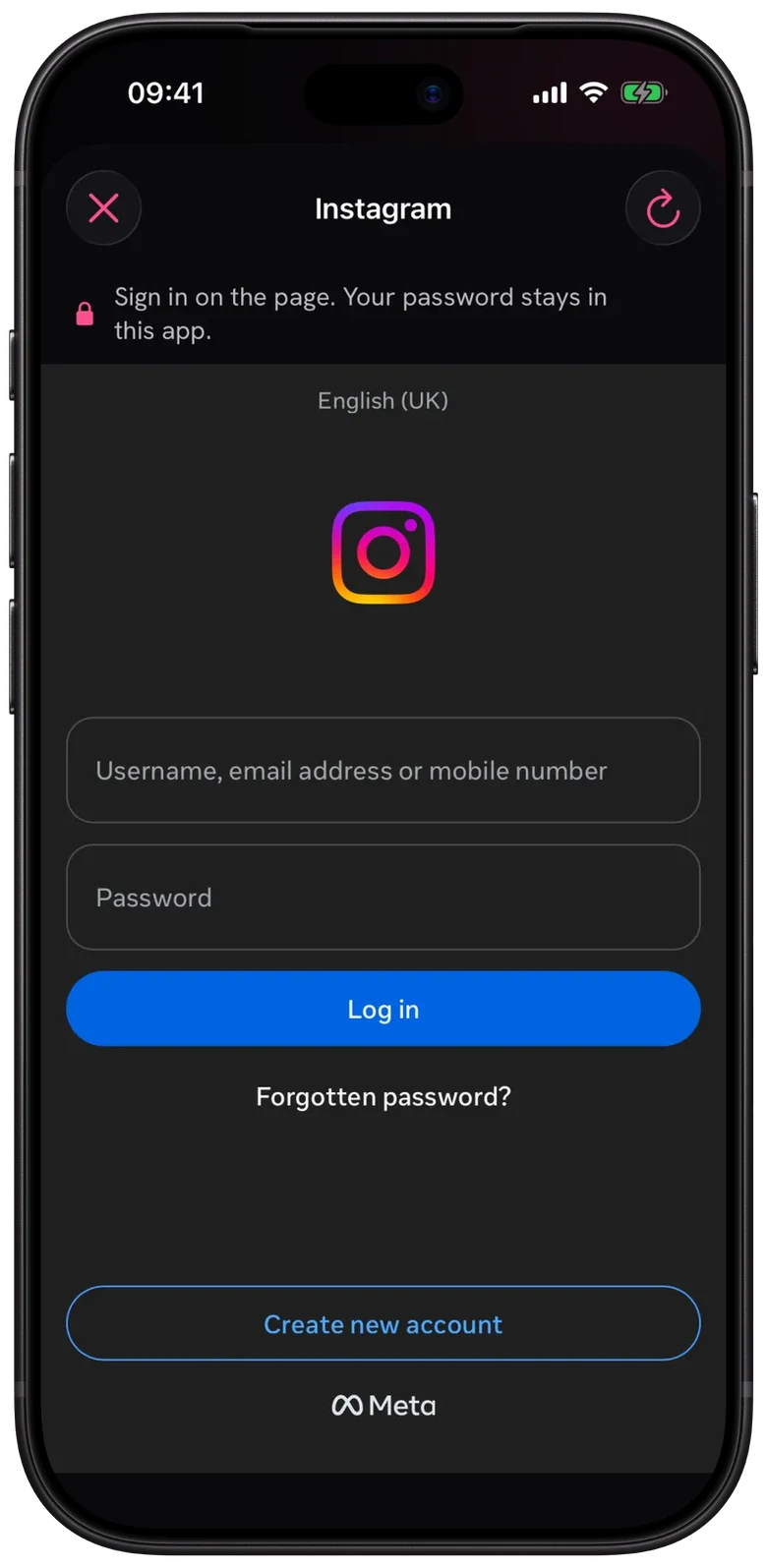
- Add an account and tap Continue to sign in. Or tap any account that shows Sign in in Downloads.
- Sign in on the page with your username or email and your password.
- If Instagram or Facebook asks for a code, type it on that same page.
- When You’re signed in shows up, tap Done.
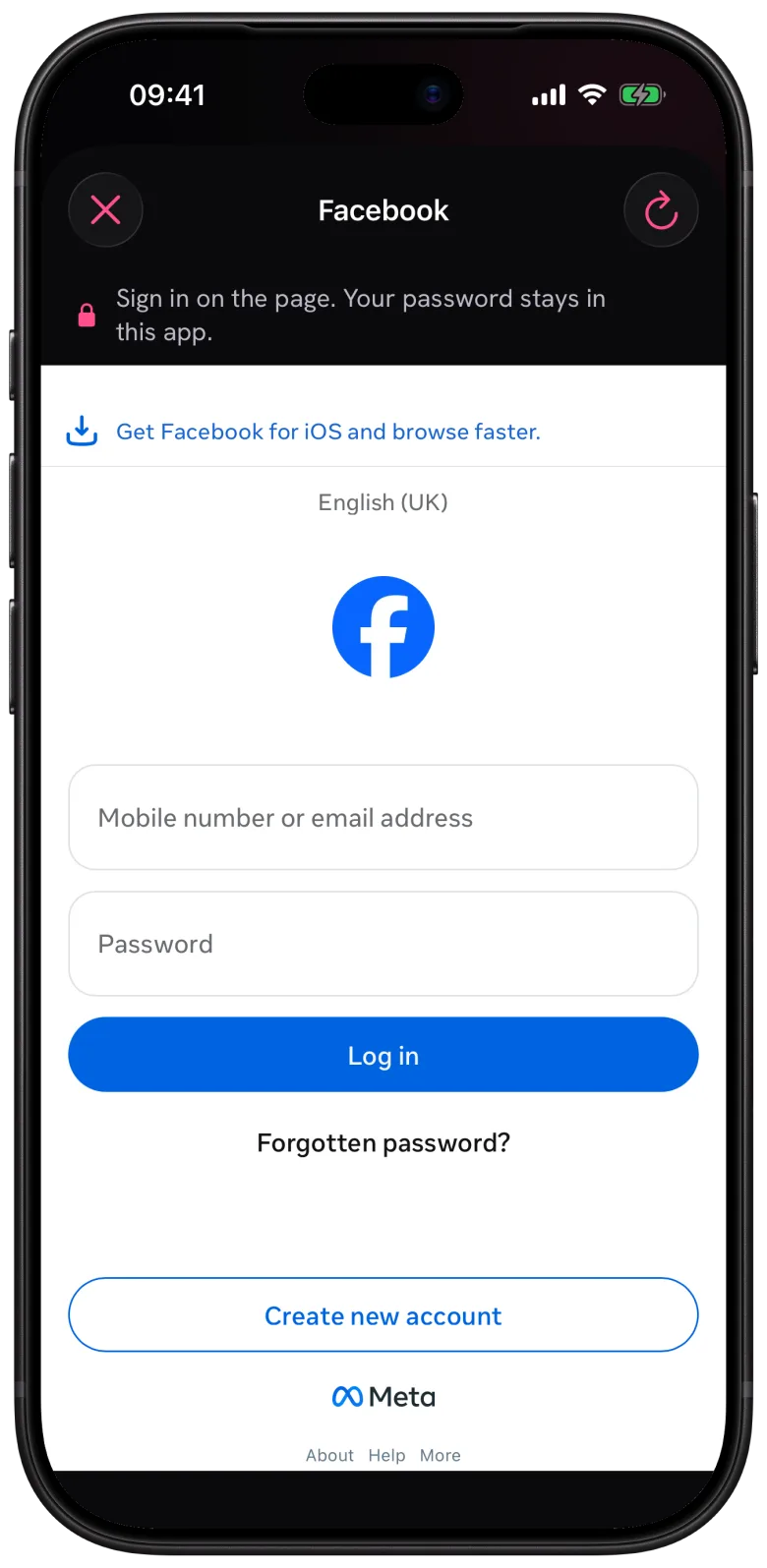
After that, the sign-in lives in the app’s own storage on your phone. StoryFetcher never reads the sign-in of your browser or of any other app, and yours never goes to a server. Every account gets separate storage, so signing in to the studio account does nothing to the family one. Where your sign-in is kept has the long version.
If the page will not load, check your connection and tap the refresh button at the top. A security check from Instagram or Facebook? Finish it on the page. If it still fails, they probably changed their page again (it happens more than you would think). Your other accounts keep working.
Questions people ask
Does StoryFetcher see my password?
No. You type it into Instagram’s or Facebook’s own page. The app has no password field and keeps no password.
Does two-factor authentication work?
Yes. The code request shows up on the same page, and you type it there.
Will I have to sign in every time?
No. The sign-in stays saved between launches. Instagram or Facebook can still end a session, after a password change for example, and then you sign in again.
Can Instagram or Facebook limit my account?
They make the rules for their own services and can check or limit any account. StoryFetcher has no control over that. Use only accounts that you own or are allowed to use.
Signed in? Then open an account and pick some stories.
Keep reading
What is StoryFetcher? An app to save Instagram and Facebook stories
What the app does, who it is for, and what it does not do.
How to add an Instagram or Facebook account
Choose Instagram or Facebook, give it a label and continue to sign-in.
How to choose the Instagram stories you want to save
See active stories, newest first, and select the ones you want.