 StoryFetcher
Instagram and Facebook log you out now and then. Changed your password? Logged out. Did absolutely nothing? Sometimes logged out anyway. When that happens, the account in Downloads shows Expired and says Session expired. Sign in again.
The fix takes less than a minute. Tap the account, sign in on the page that opens (type the code if they ask for one), and tap Done when You’re signed in shows up.
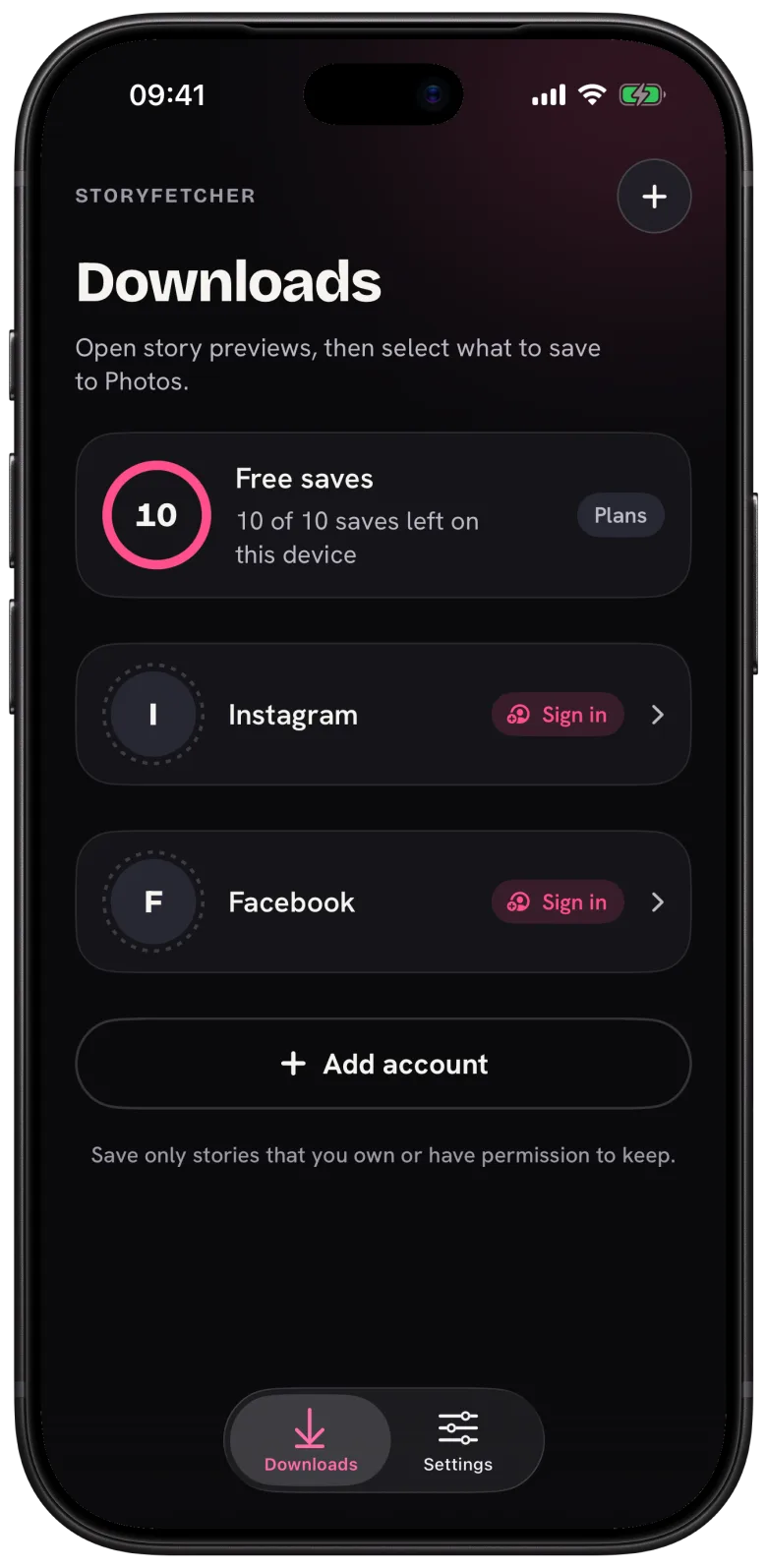
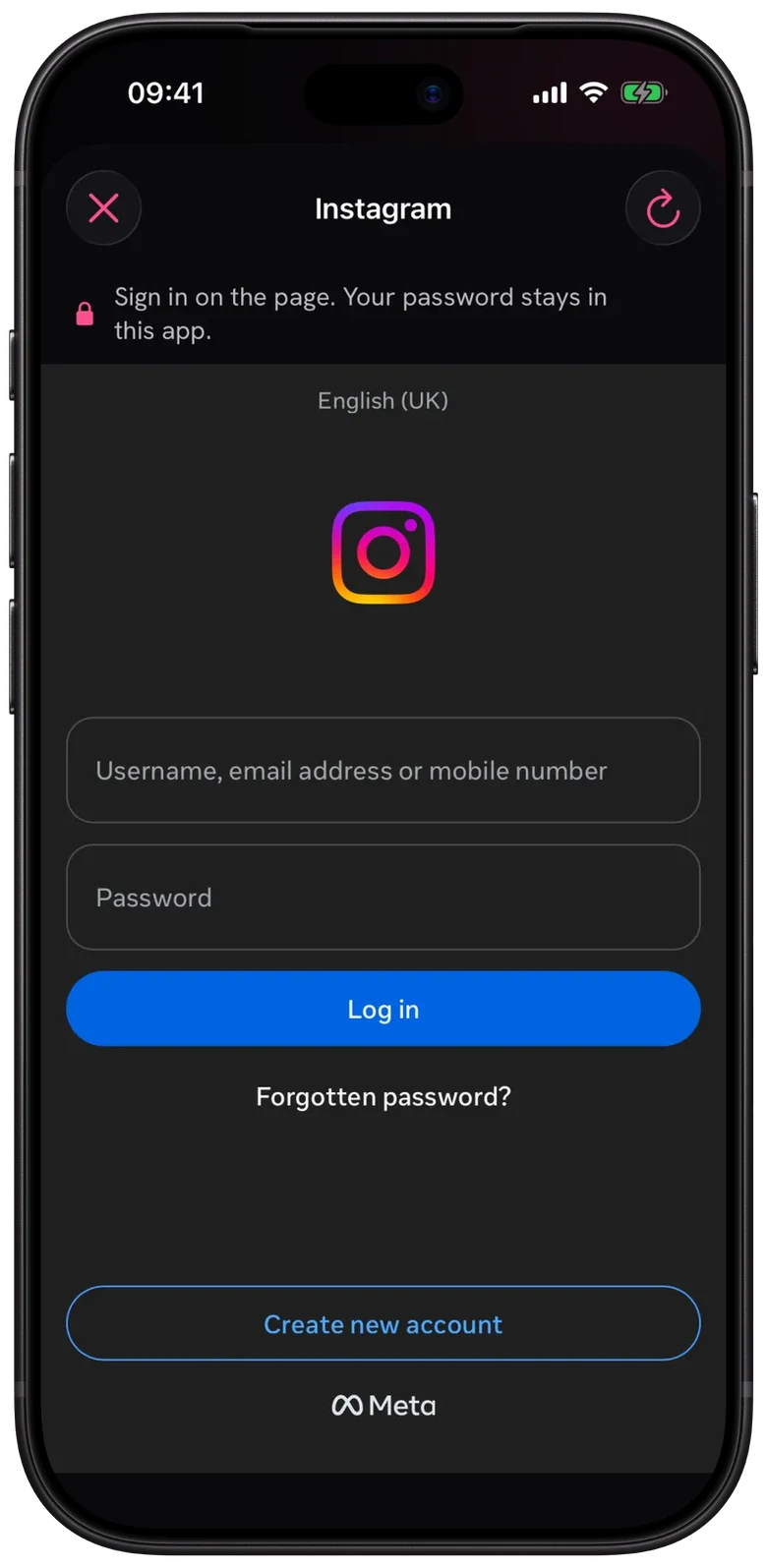
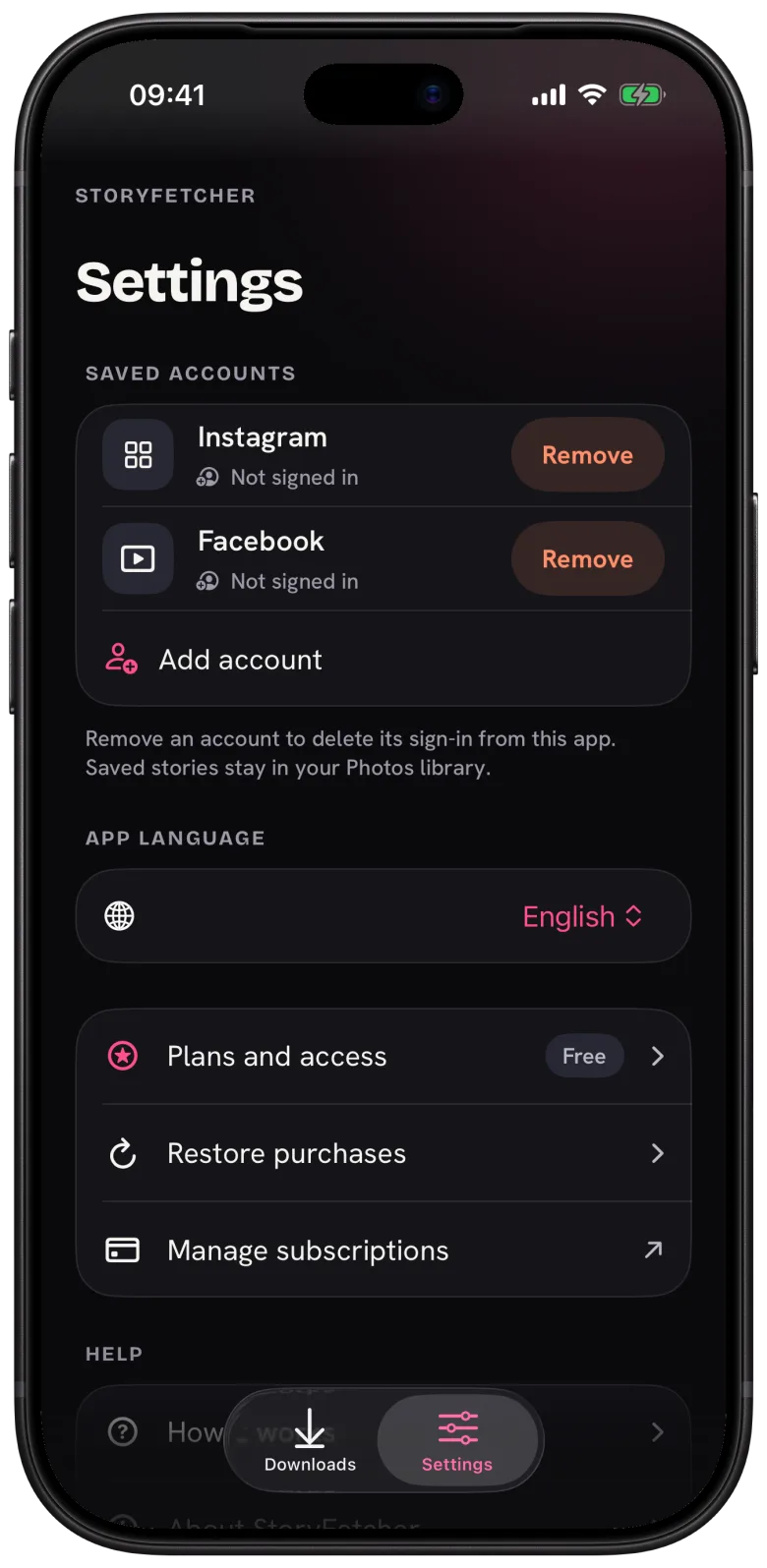
Only the expired account needs this. Every account has its own sign-in, so the others keep working as if nothing happened. Your saved stories stay in your photo gallery and your saved markers stay in the app. You do not need to remove the account and add it again. Please don’t, it is more work for nothing.
Questions people ask
Why does my session keep expiring?
Instagram and Facebook end sessions for their own reasons, like a password change or a new device check. Signing in again fixes it.
Do I lose my saved stories when a session expires?
No. They are in your photo gallery, and they stay there.
First time signing in? Start with How to sign in safely inside the app.
Keep reading
Story save failed or stopped? How to fix it
What to do when saving stops, and what is counted.
What is StoryFetcher? An app to save Instagram and Facebook stories
What the app does, who it is for, and what it does not do.
How to add an Instagram or Facebook account
Choose Instagram or Facebook, give it a label and continue to sign-in.