 StoryFetcher
In this article
Sometimes a story will not download. The connection drops. The story expired while you were picking. Or Instagram just says no for a minute and does not explain why, because it is Instagram. The story shows Failed, and the panel tells you how many saved and how many did not.
First, the part that matters: a failed save does not use any of your 10 free saves. Only saves that reach your photo gallery count.
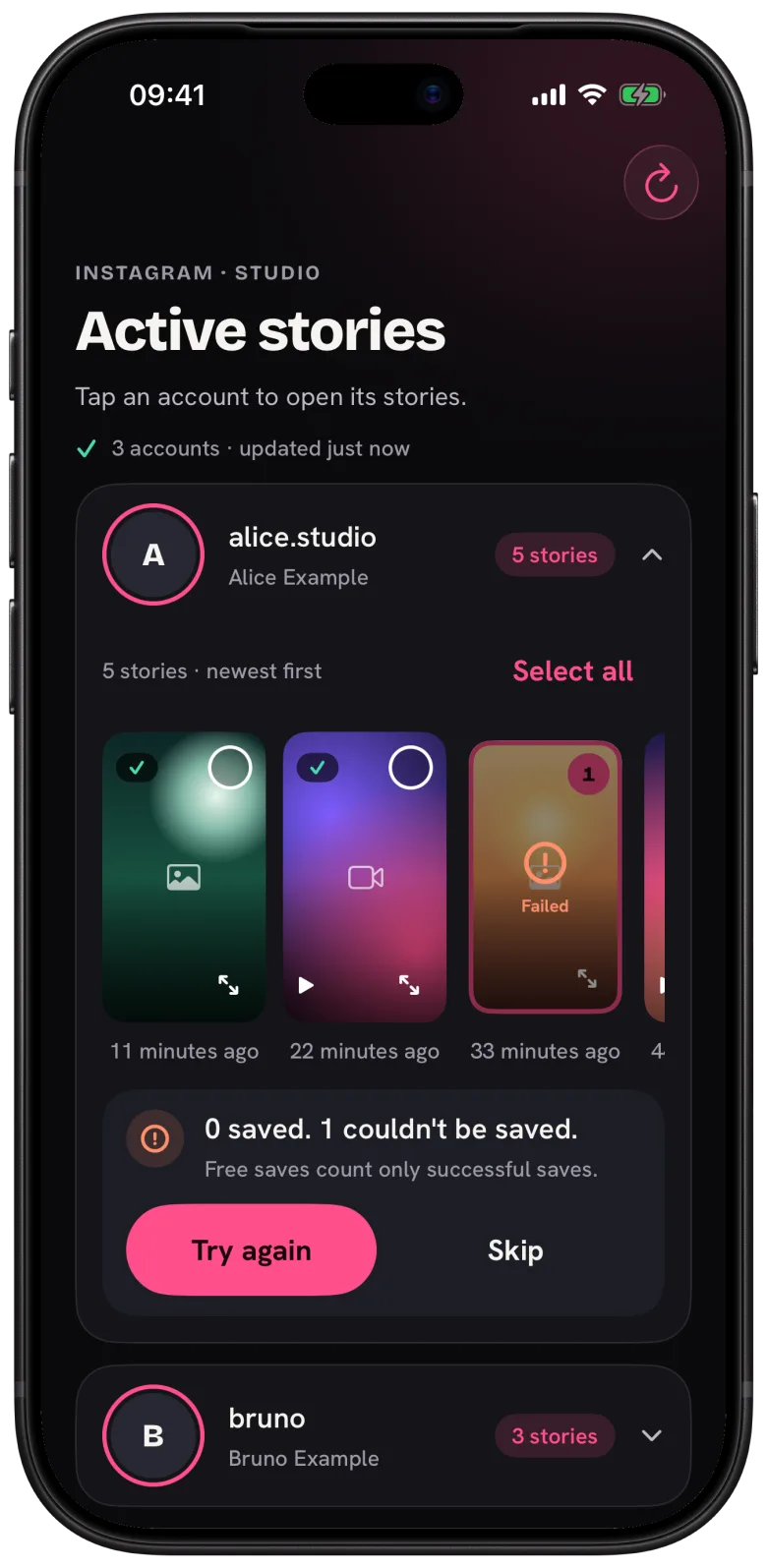
Tap Try again to give the failed ones another go, or Skip to drop them and keep the rest. If saving stopped because you switched apps, open StoryFetcher and tap Resume. What already saved stays saved.
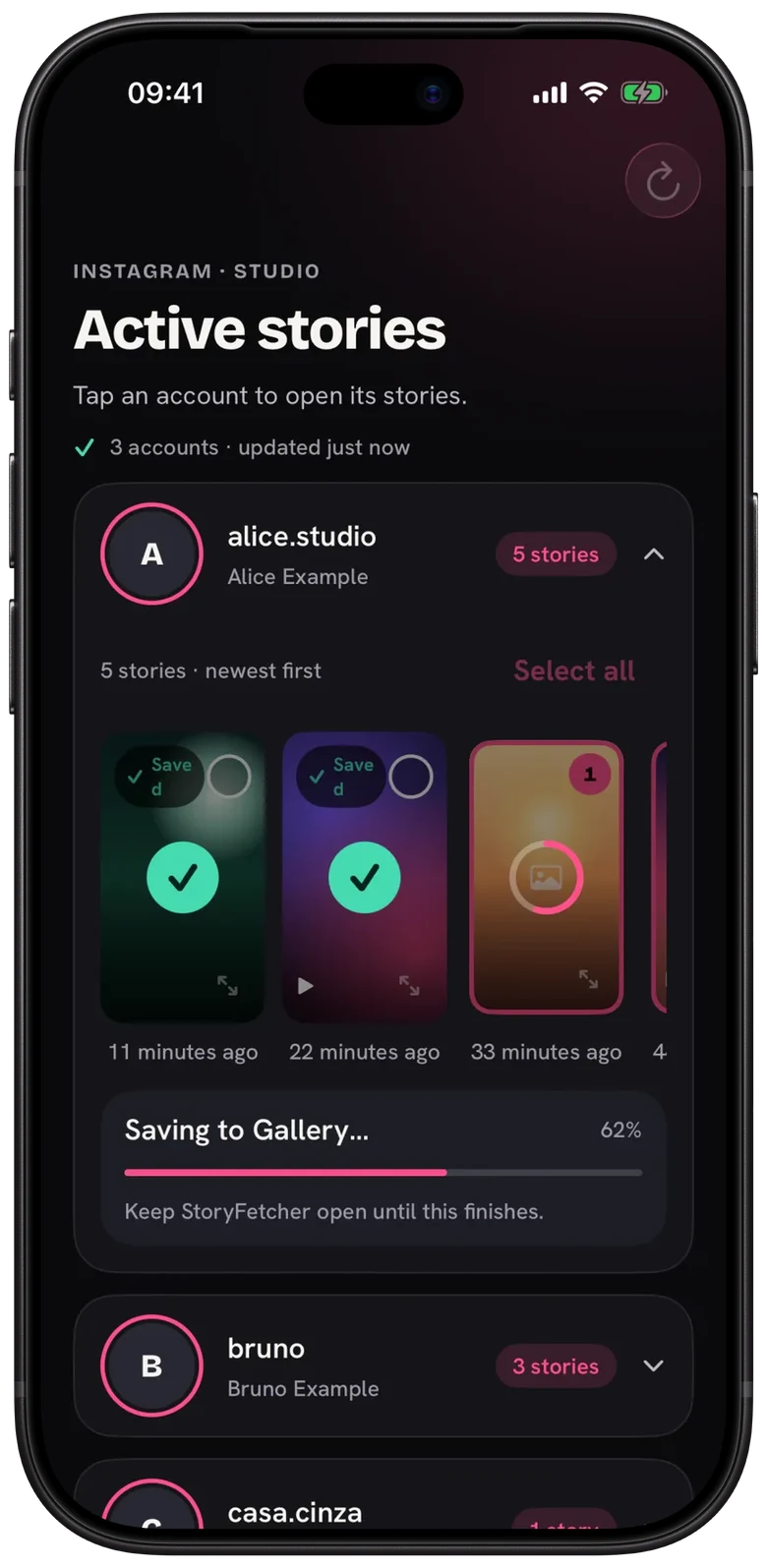
My honest advice: keep the app open until the last ring fills. That alone avoids most stops.
If it keeps failing
- Check your connection. A weak signal is the usual suspect.
- Tap the refresh button. The story may have expired since you opened the row.
- If Instagram asks the app to slow down, wait a few minutes. Your account is fine.
- If the account shows Expired or Sign in, sign in again.
- Make sure your phone has room for new photos and videos.
Questions people ask
Did a failed save use one of my free saves?
No. Free saves count only successful saves.
Why does a save fail only sometimes?
Usually the connection, or Instagram limiting requests for a short time. Waiting a few minutes fixes most of it.
Is my account in trouble when Instagram asks to slow down?
No. It is a short limit on requests. Give it a few minutes.
Nothing works. Who can help?
Me. Write to [email protected] and tell me what you see on the screen.
Keep reading
Instagram or Facebook session expired? Sign in again
Sign in again without losing your other accounts.
What is StoryFetcher? An app to save Instagram and Facebook stories
What the app does, who it is for, and what it does not do.
How to add an Instagram or Facebook account
Choose Instagram or Facebook, give it a label and continue to sign-in.