 StoryFetcher
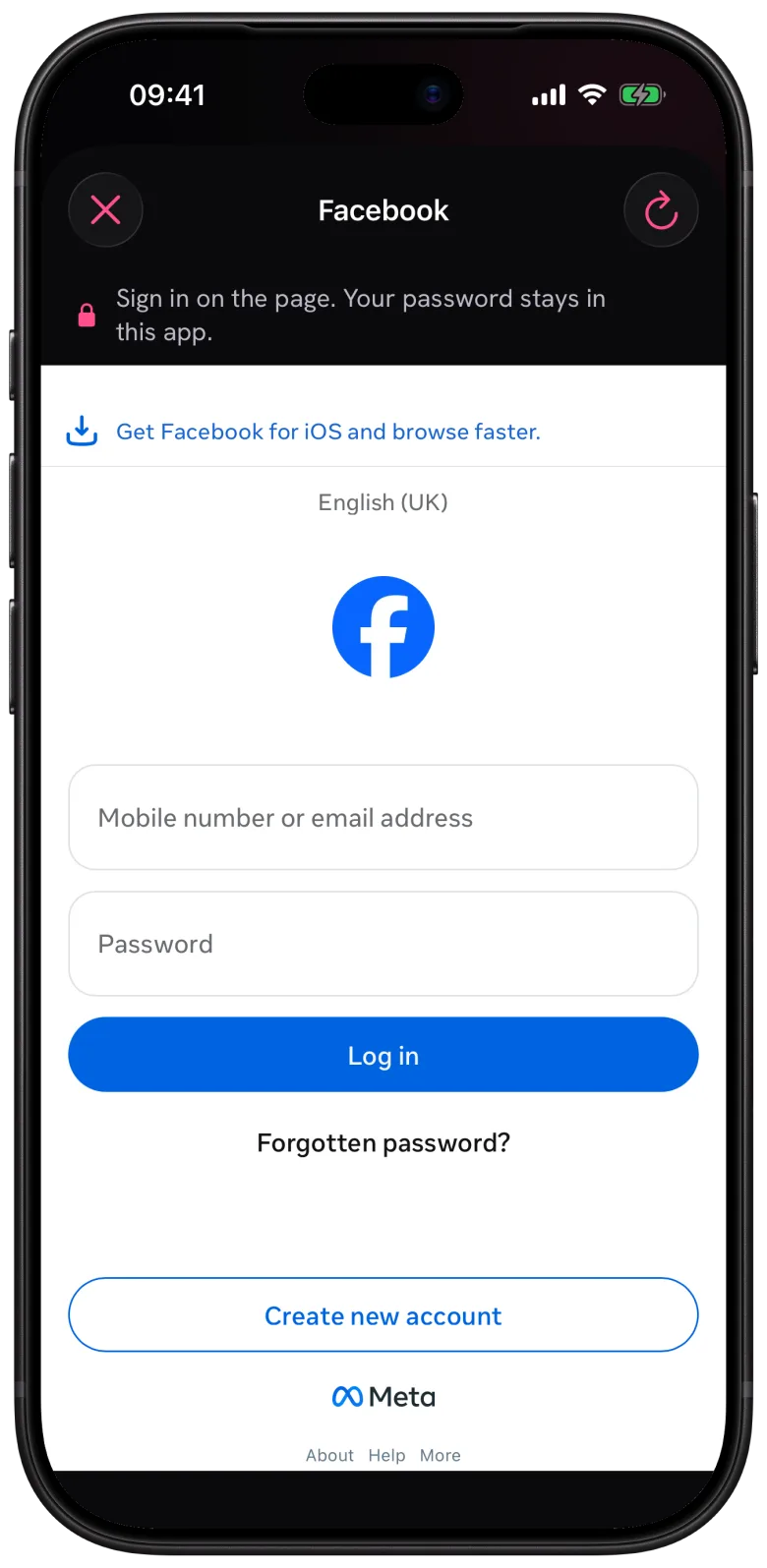
Yes, you can download a Facebook story with StoryFetcher. But Facebook does things its own way (when doesn’t it?), so the flow is different from Instagram. Facebook opens in a browser inside the app. You open a story on the Facebook page, and StoryFetcher adds a save control to it.
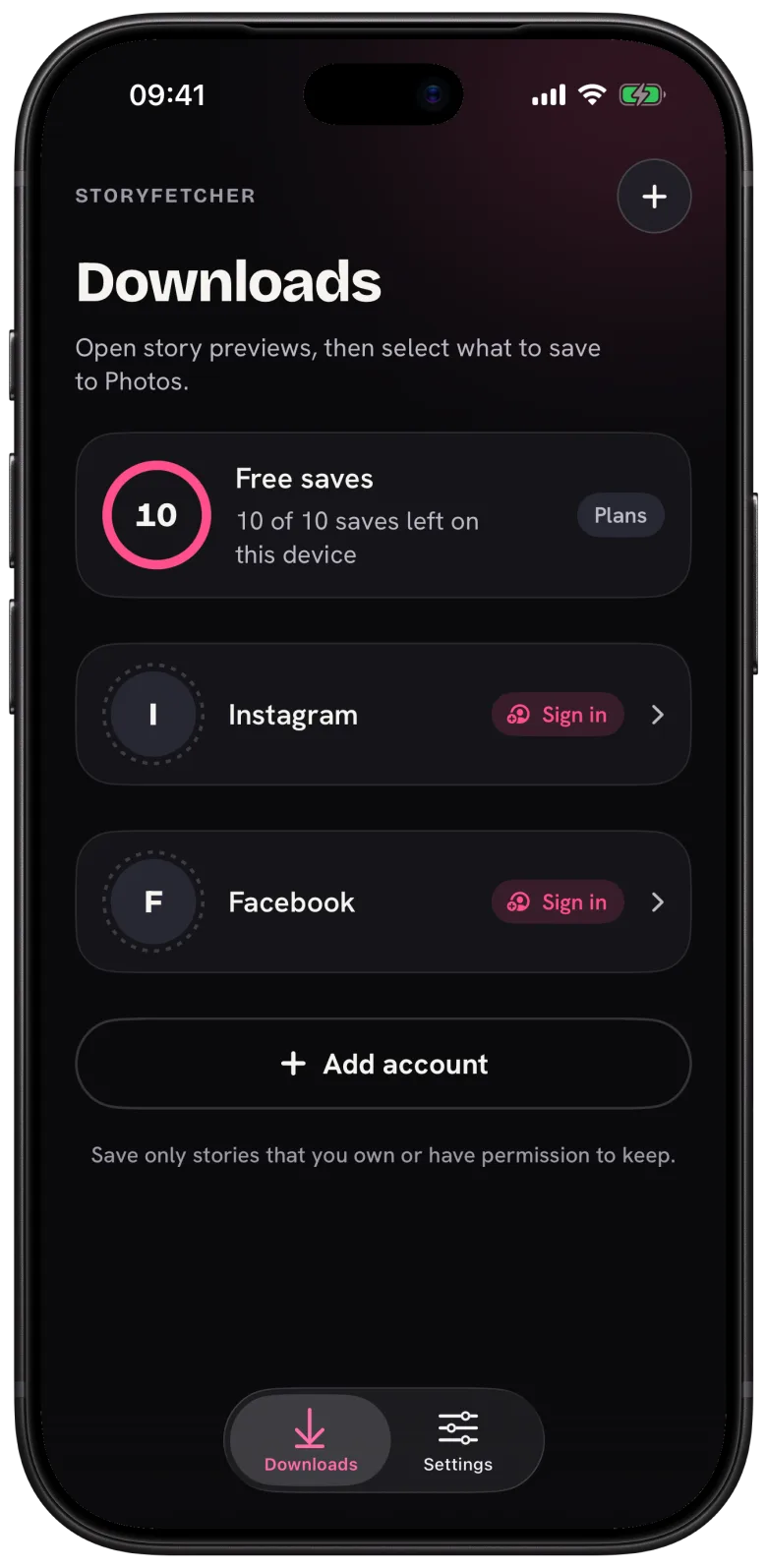
- Add a Facebook account and sign in.
- Open the account in Downloads. The browser opens.
- Open a story on the page. The hint at the top reads Open a story, then tap the page’s save control.
- Tap the save control. On Android a preview opens first, and you tap the save button there.
- Wait for the app to confirm the story is saved.
Everything you see in that browser is Facebook’s page. StoryFetcher only adds its frame and the save control. That also means the page can change any time Facebook redesigns something. If the save control goes missing, tap the refresh button and open the story again. That fixes it most of the time.
There is no remove button in the browser. To remove a Facebook account, go to Settings, as Where your sign-in is kept shows.
Questions people ask
Can I save stories from Facebook pages and groups?
If your signed-in Facebook account can open the story, and you have the right to keep it, yes.
Why isn’t there a story list like on Instagram?
Facebook works through its own page inside the app. You find the story there and tap the save control.
Do Facebook saves count as free saves?
Yes. Instagram and Facebook share the same 10 free saves per device. Only saves that reach your photo gallery count.
Keep reading
How to choose the Instagram stories you want to save
See active stories, newest first, and select the ones you want.
How to save Instagram stories to your photo gallery
Save one story or many, follow the progress and fix a failed save.
How to preview an Instagram story before you save it
Open a full-screen preview from the corner of a story.